TMflow software
TMflow 2.22 makes programming collaborative robots faster, easier, and more flexible than ever.
now
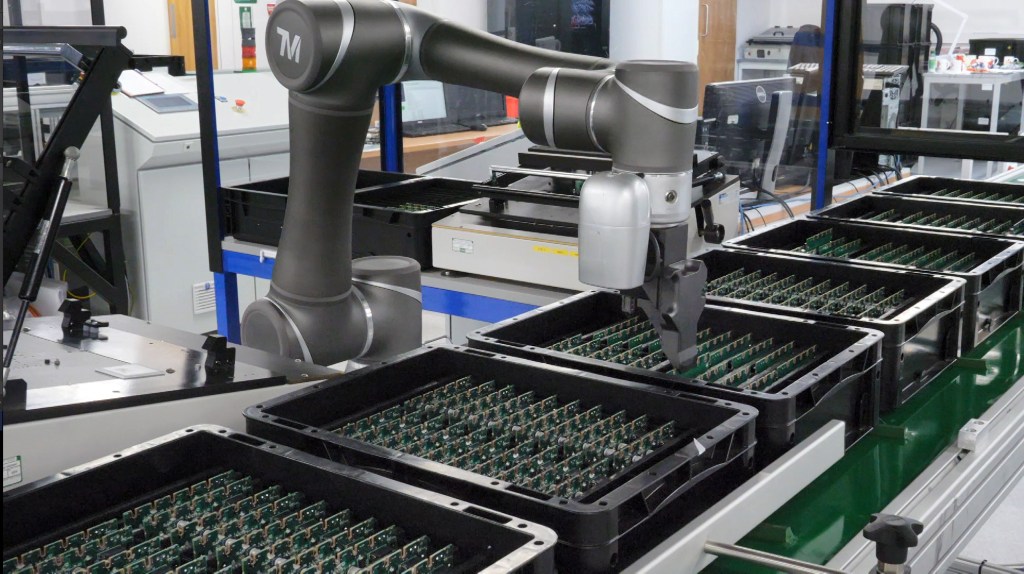
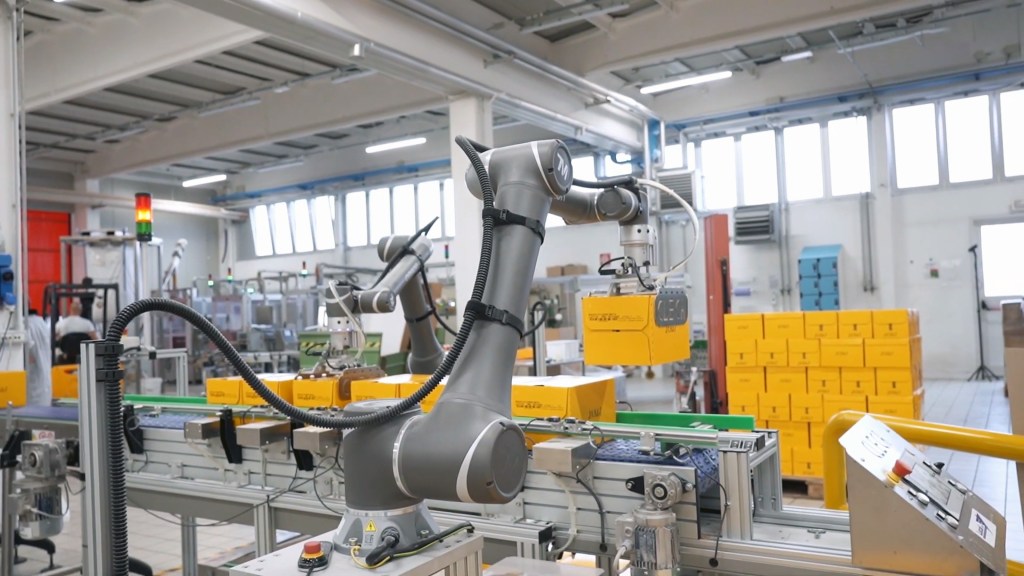
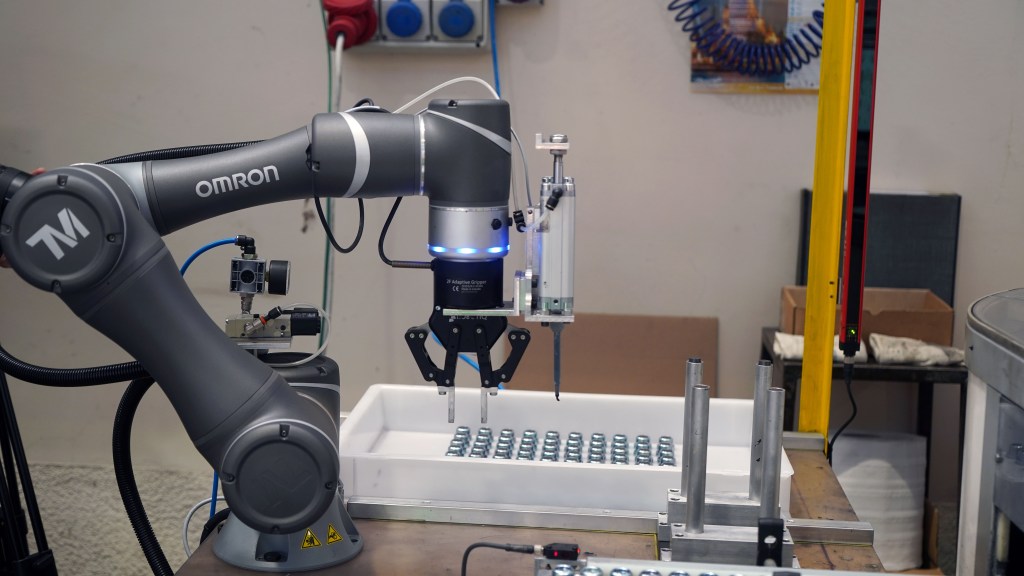
TMflow is OMRON’s intuitive software platform for collaborative robots, combining flow‑based programming, integrated vision, and advanced safety tools in a single environment. It lets you build applications step by step—from simple pick‑and‑place or screwing to vision inspection, deburring, and labelling. With offline simulation, landmark‑based repositioning, and scripting for advanced users, you can refine ideas without stopping production. TMflow puts the power of advanced automation directly in your hands.

Next‑generation programming for your cobots
TMSimulator for TM S Series
Develop, edit, and run programs in a virtual environment—testing motion, logic, and communication before deployment to avoid downtime and speed up commissioning.
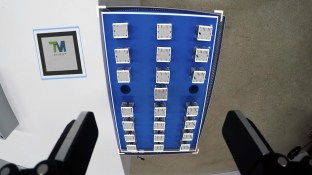
Landmark 2.0 navigation
Use physical Landmarks with integrated vision for position referencing, so robots can be moved and realigned quickly without complex recalibration in high‑mix environments.
Virtual robot stick
Mirror the physical Robot Stick on your PC, allowing operators to teach, jog, and manage robots remotely with familiar controls and less time at the cell.
Script programming for advanced users
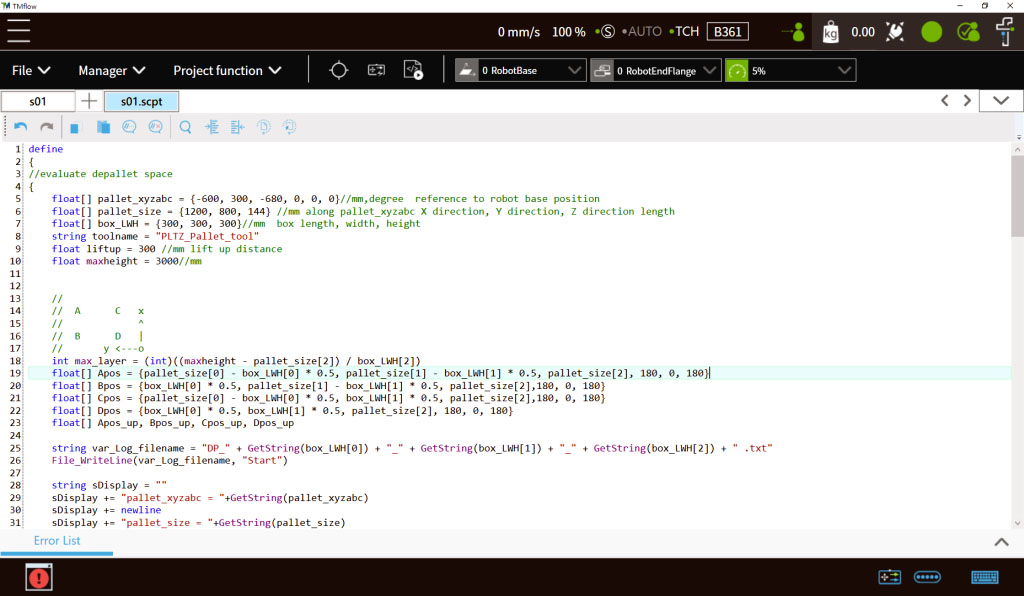
Combine TMflow’s graphical flows with TMScript for compact, powerful logic—giving power users finer control over motion, communication, and custom behaviors.

Save time and streamline your applications
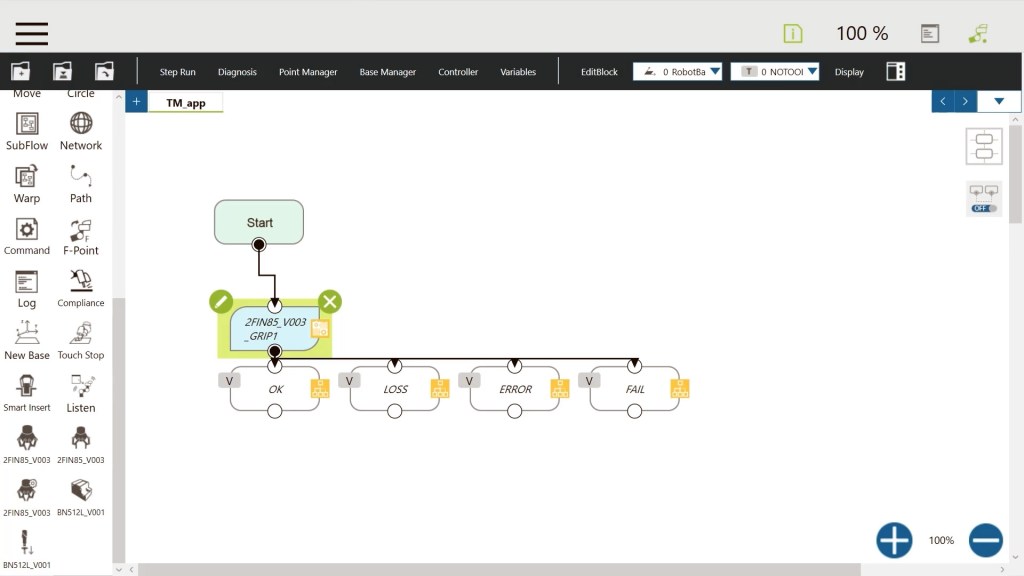
Build workflows faster
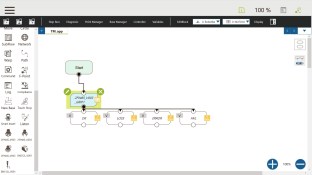
Flowchart‑based, drag‑and‑drop programming turns complex tasks into clear visual steps—cutting setup time and making it easier to adjust and redeploy applications as your needs change.
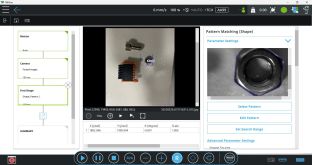
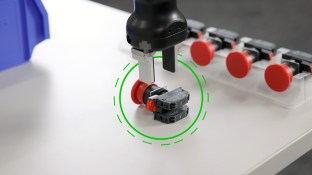
Precision vision, built in
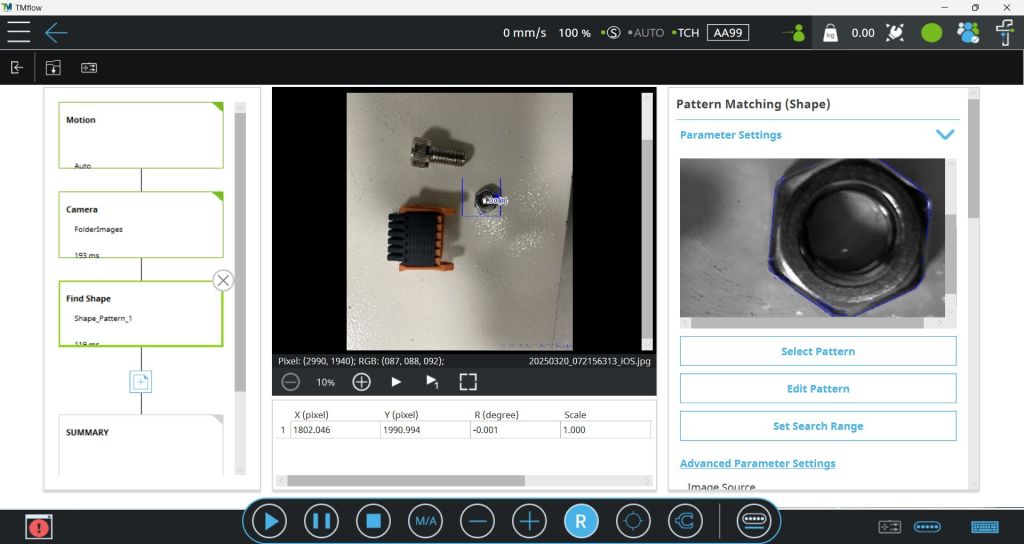
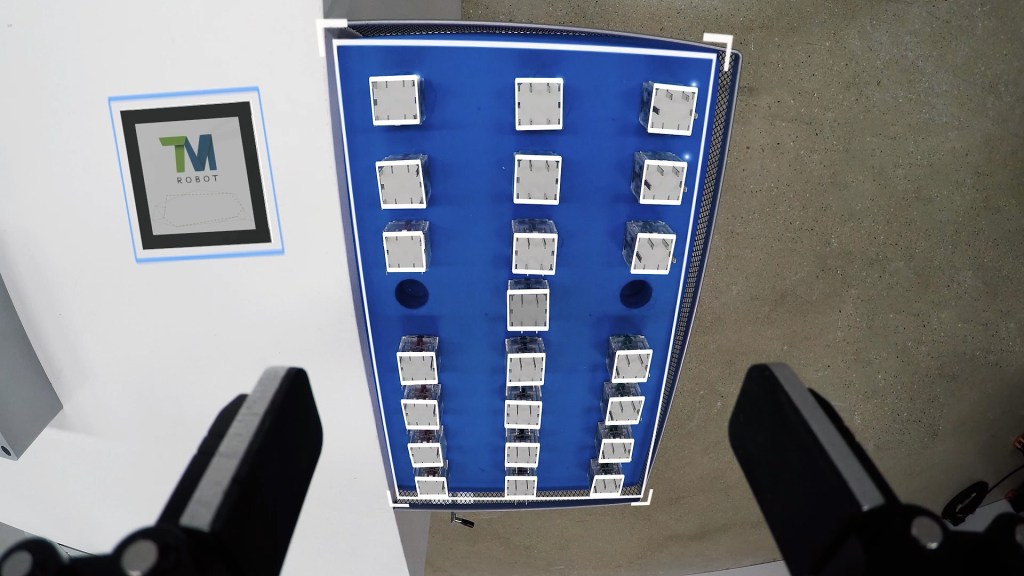
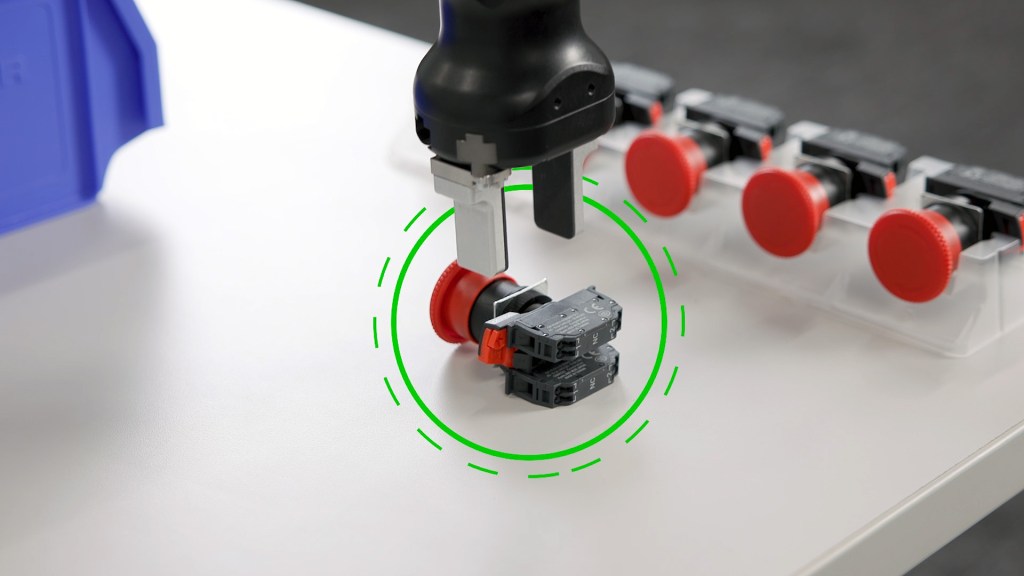
Integrated, industrial‑grade vision handles pattern recognition, positioning, inspection, and measurement without extra hardware—ensuring accurate pick‑and‑place and labeling, even in high‑mix environments.
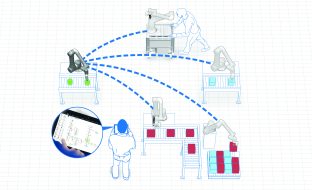
Maximize uptime with offline development
TMSimulator and improved error‑handling logic enable projects to be built, tested, and refined entirely offline—keeping robots in production while new workflows and recovery strategies are proven in advance.
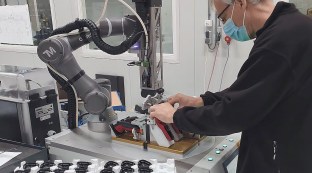
Certified safe collaboration
Advanced safety tools work together with 33 certified safety functions—supporting ISO 13849‑1 Cat.3 PL d, ISO 10218‑1, and ISO/TS 15066 compliance, and making safe human‑robot collaboration simpler to configure and maintain.
FEATURES
Unlock advanced capabilities with TMflow’s powerful features

Drag-and-drop programming
Build robot applications visually with TMflow’s flow‑based, drag‑and‑drop interface, so both new and seasoned users can create, adjust, and reuse programs quickly—without coding experience.


Integrated vision & OCR
Use the built‑in camera, vision tools, and optical character recognition to locate parts, inspect quality, and read labels, serial numbers, or codes—all without separate vision hardware or software.

Offline development
Develop and test programs—including vision inspection tasks—in a virtual environment, so you can validate flows, fine‑tune settings, and train staff without taking robots out of production.

Advanced motion & payload control
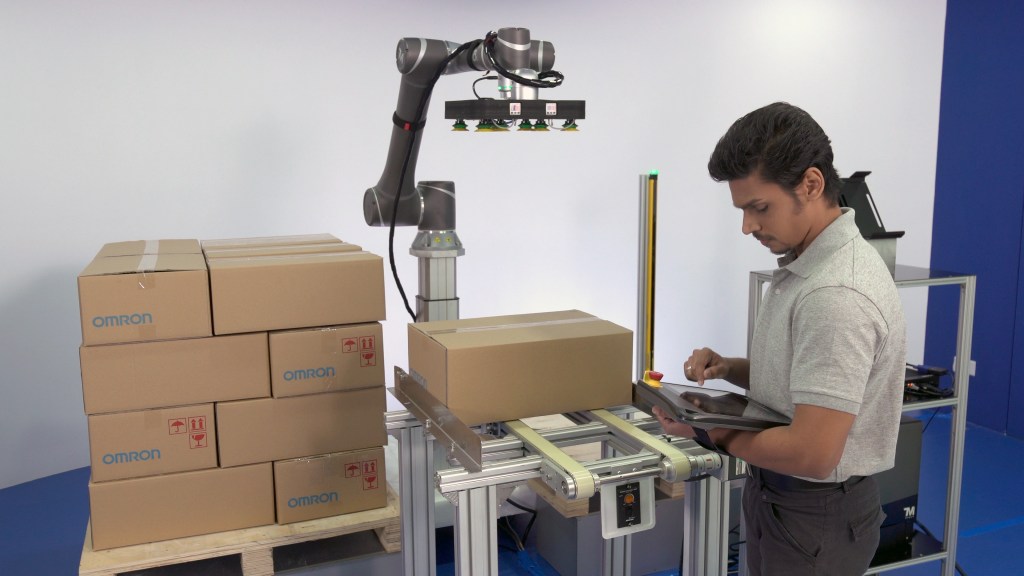
Keep your cobots running smoothly with precise, optimized motion that handles varying payloads, avoids singularities, and helps confirm that parts are picked, placed, and stacked correctly.

Enhanced safety & hand-guiding
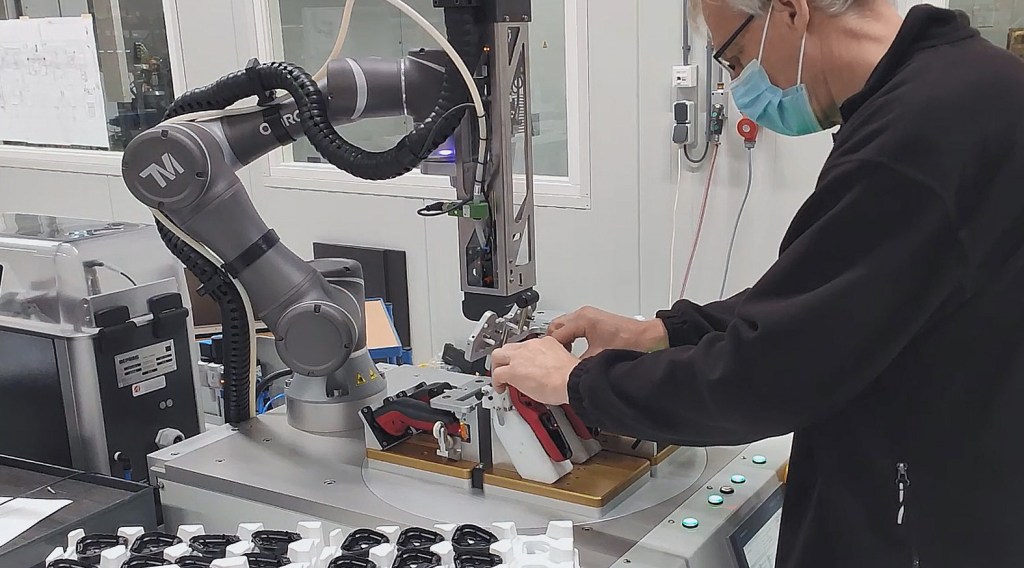
Configure advanced safety functions and use intuitive hand‑guiding to move the robot by hand, making it faster for operators to teach positions while maintaining collaborative safety.

ISO/TS 15066 safety settings
Support compliance with collaborative robot standards using safety settings designed to align with ISO/TS 15066 and related guidelines, simplifying safe deployment in human‑robot workspaces.

Real-time remote control
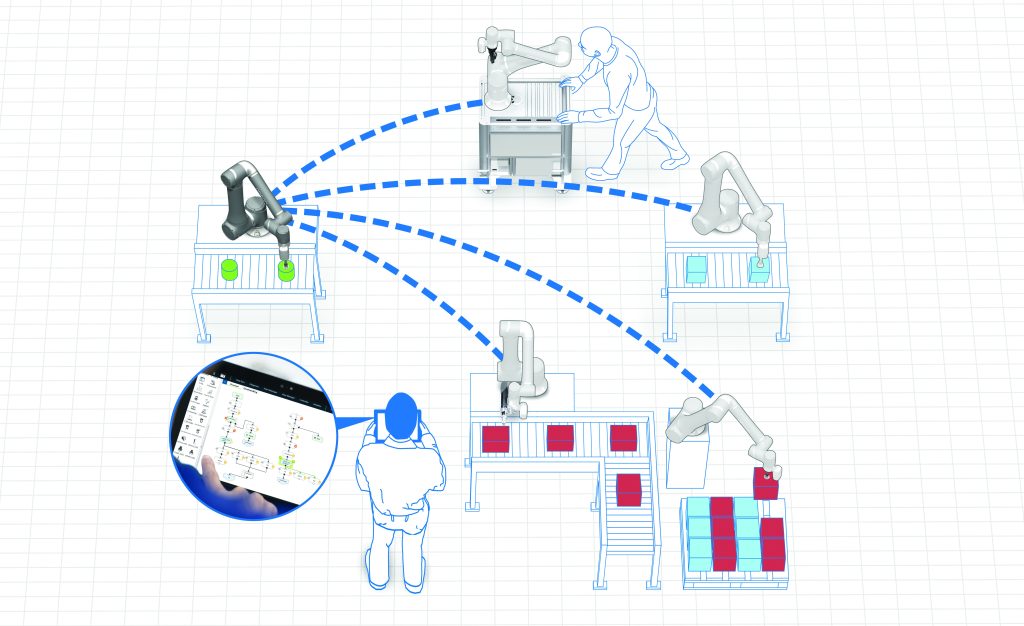
With TMflow 2.22, TMscript remote control and the Real‑Time Remote Server (RTRS) let external systems exchange data and command motion in real time.

CASE STUDY
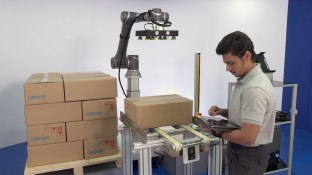
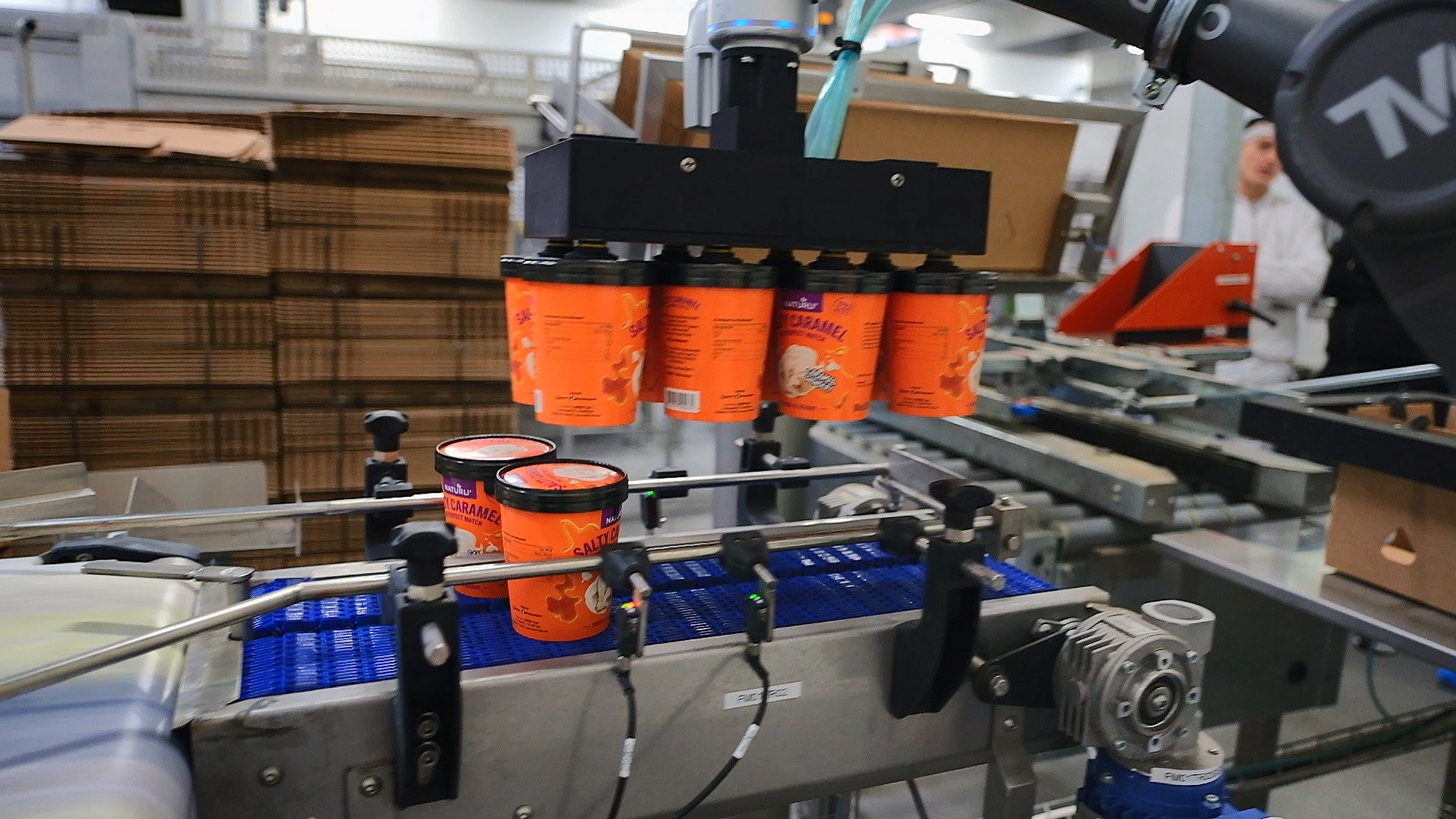
See how automated end-of-line packaging increased vegan ice cream output by 80% at Ice Bakers
Start automating your production today
Have questions? Let’s chat.

RELATED PRODUCTS
Certified collaboration that fits your flow
Unlock safe, high‑performance automation with the OMRON TM S Series—collaborative robots from 5 to 30 kg payloads, built to handle everything from precise handling to heavy‑duty applications on a single, scalable platform.
View brochure
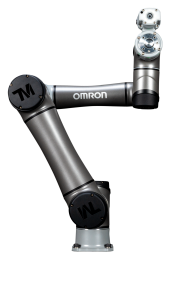

TM5S
Ideal for light assembly and small‑part handling where space is tight and precision matters.
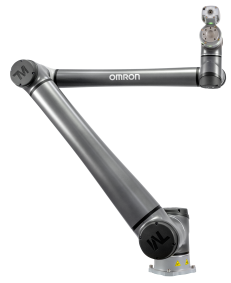
TM6S
Made for agile pick‑and‑place and quick changeovers on fast‑moving production lines.
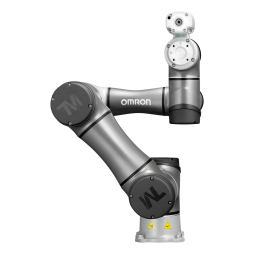
TM7S
Excels at vision‑driven tasks like packaging, inspection, and labeling with high accuracy.
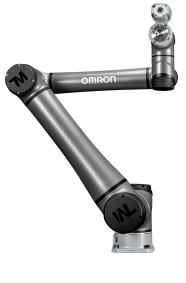
TM12S
Handles medium‑weight parts for handling, palletizing, and process work close to people.
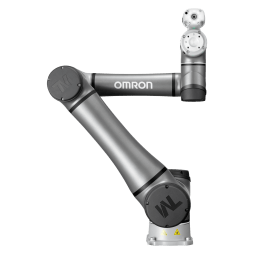
TM14S
Carries heavier tools and fixtures for machining support, tending, and finishing jobs.
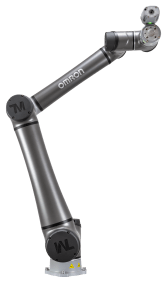
TM20S
Built for demanding handling, palletizing, and intralogistics with solid payload capacity.
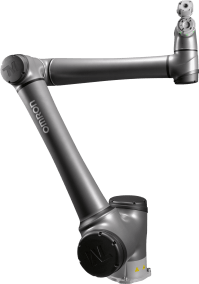
TM25S
Takes on large, bulky parts and end‑of‑line tasks where higher loads are the norm.
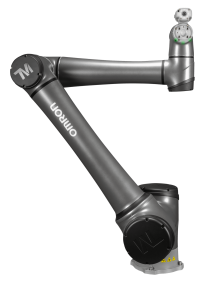
TM30S
Delivers maximum lifting power for the toughest palletizing and material‑handling duties.
RESOURCES
TMflow software updates & documentation
Stay up to date with the latest software upgrades, free tools, and support files to enhance your cobots and optimize your systems.
Get the latest updates
Related insights
See all insights