TMflow software
TMflow combines programming, simulation, vision, and safety tools in one user-friendly platform.
now
TMflow is OMRON’s intuitive software platform for collaborative robots, bringing flow-based programming, integrated vision, safety tools, offline simulation, and 3D application design into a single environment. From pick-and-place and palletizing to inspection, screwdriving, labeling, and advanced motion control, TMflow supports the full workflow from application development to validation and deployment, putting the power of advanced automation directly in your hands.

What’s new in TMflow 2.24
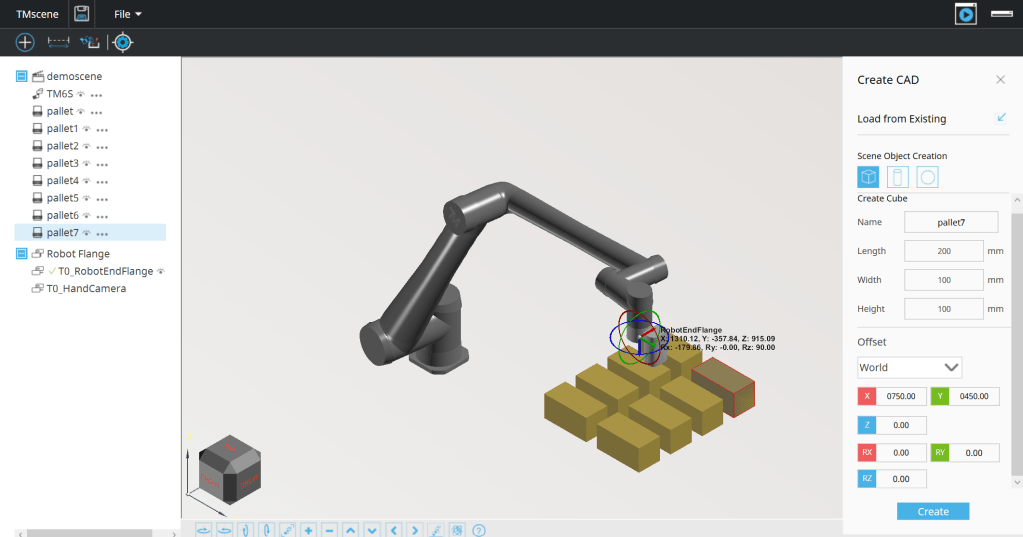
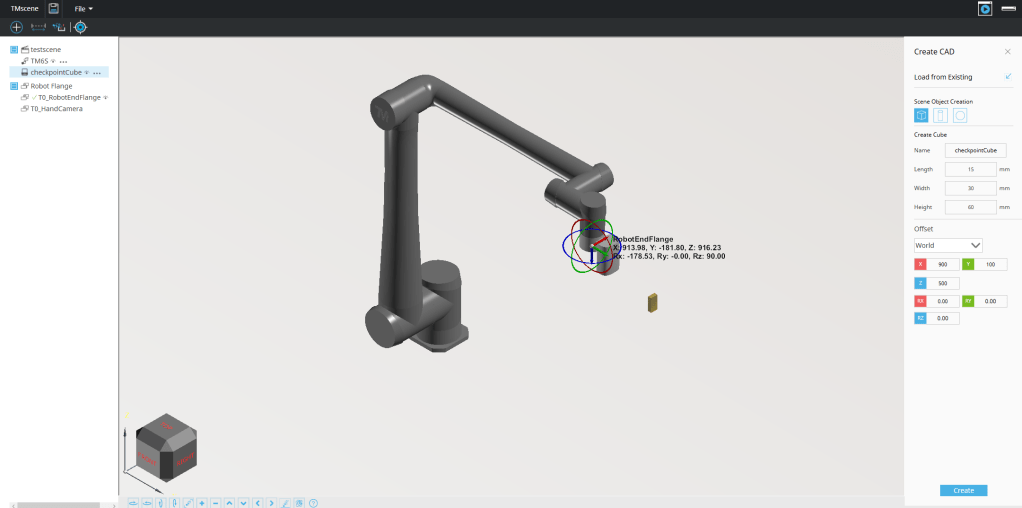
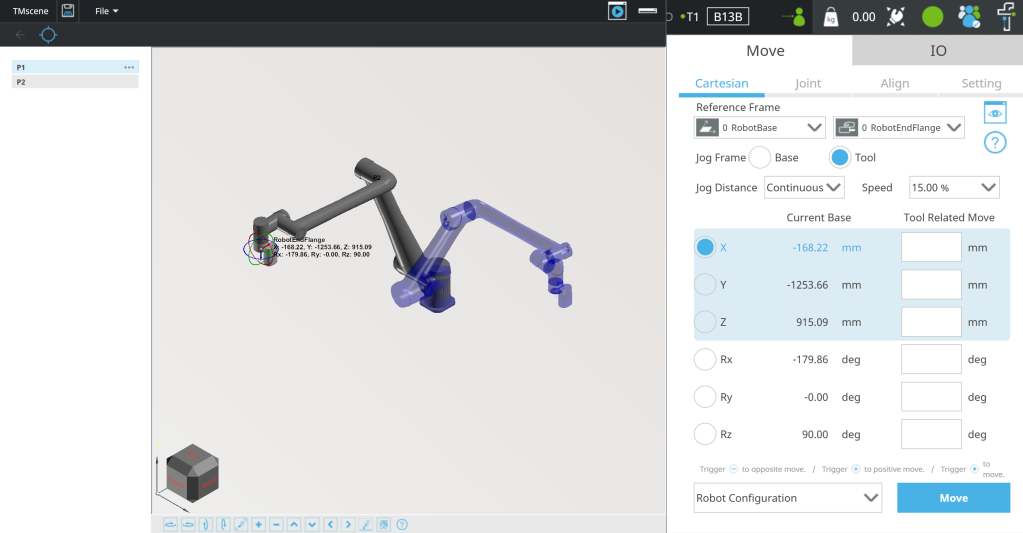
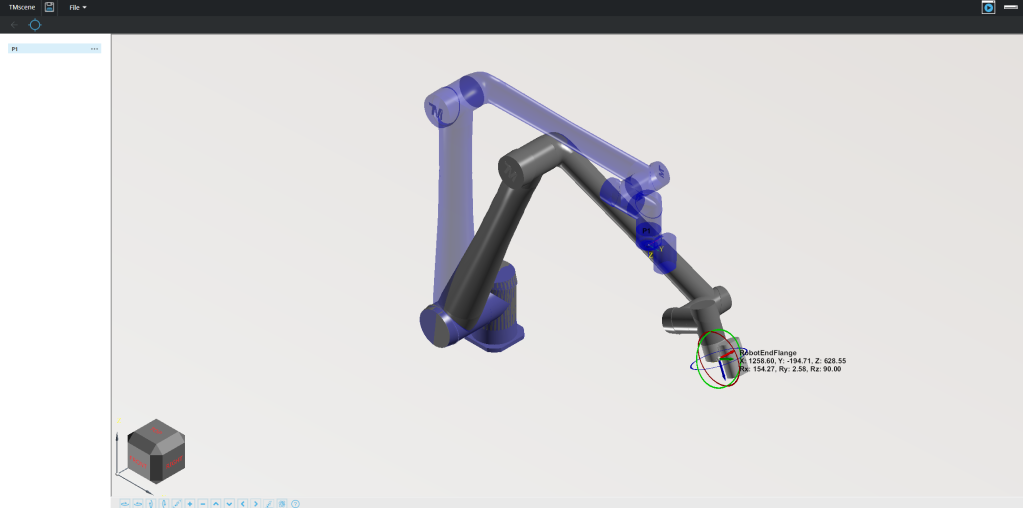
TMscene 3D application design
Design and validate robot applications in a virtual 3D workspace. Import CAD models, create basic 3D objects, define teaching points, and check robot motion before deployment.
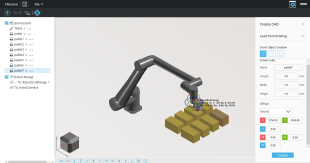
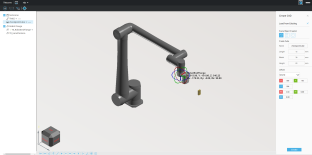
6D Hand Guide Ball
Control the virtual robot with precise 6D movement and real-time coordinate feedback, making it easier to adjust robot position in a virtual environment.
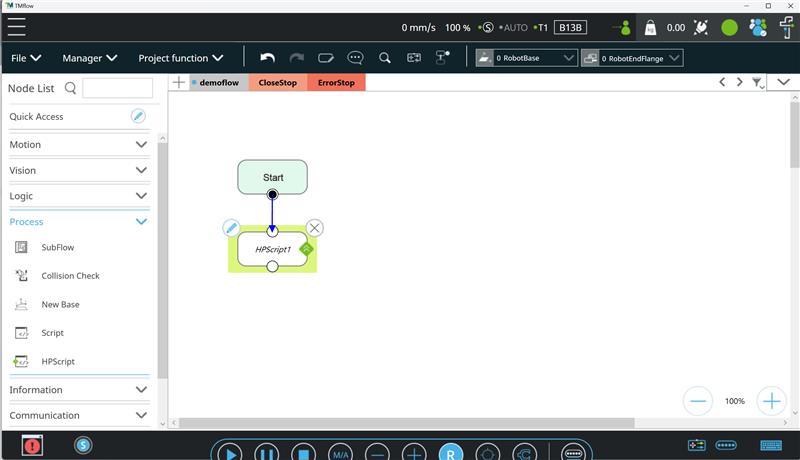
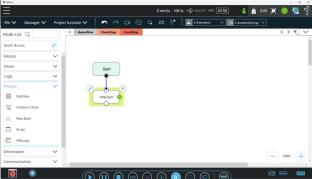
High-priority script
Use HPScript for faster, more reliable scripting in real-time sensor integration and system-level control.
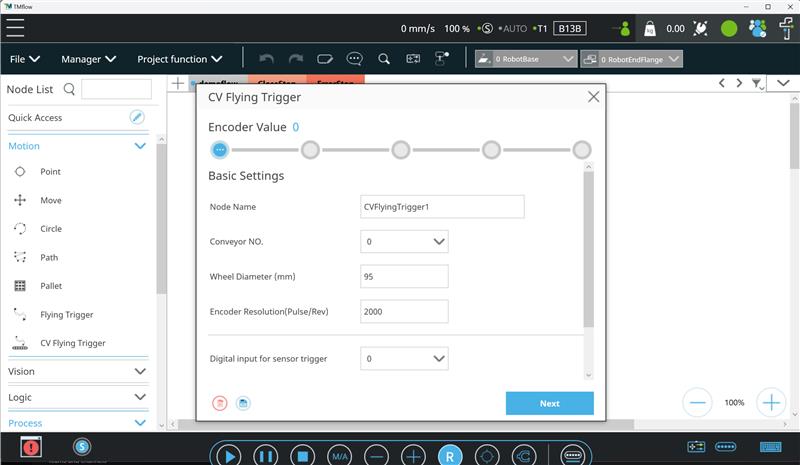
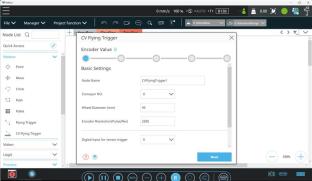
Flying trigger with conveyor
Inspect moving workpieces without stopping the production line, helping maintain throughput in high-efficiency production environments.
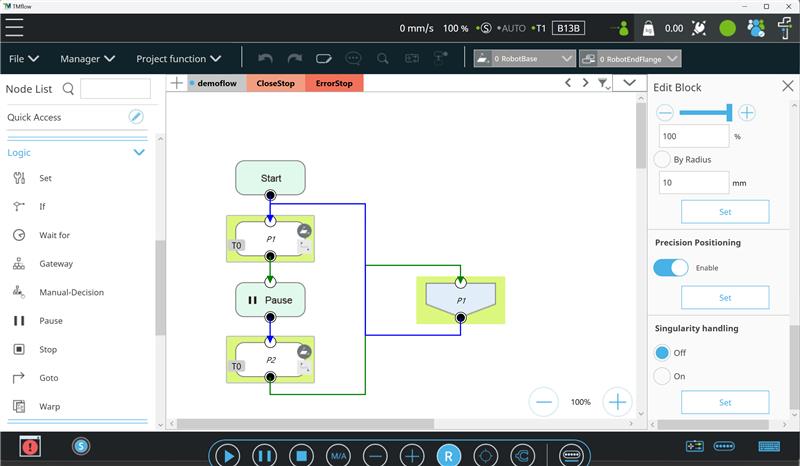
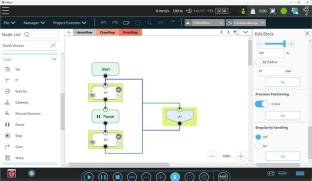
Expanded singularity handling
Additional motion nodes now support singularity handling for greater programming flexibility, while batch configuration tools simplify motion setup across complex programs.
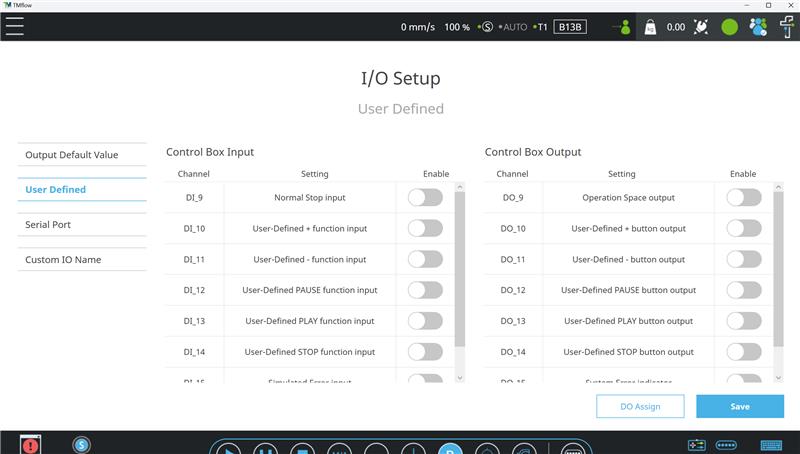
Enhanced safety integration
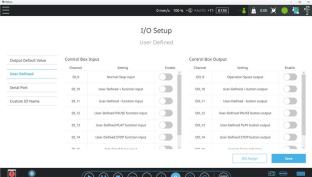
Normal Stop, STO, and SOS safety outputs help connect TMflow with external safety devices and improve safety-state visibility.
Cartesian, joint, and SCARA motion tools
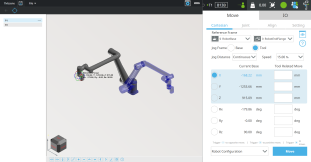
Fine-tune virtual robot movement and positioning with Cartesian or joint-based controls, while improved SCARA motion tools support smoother flange alignment.
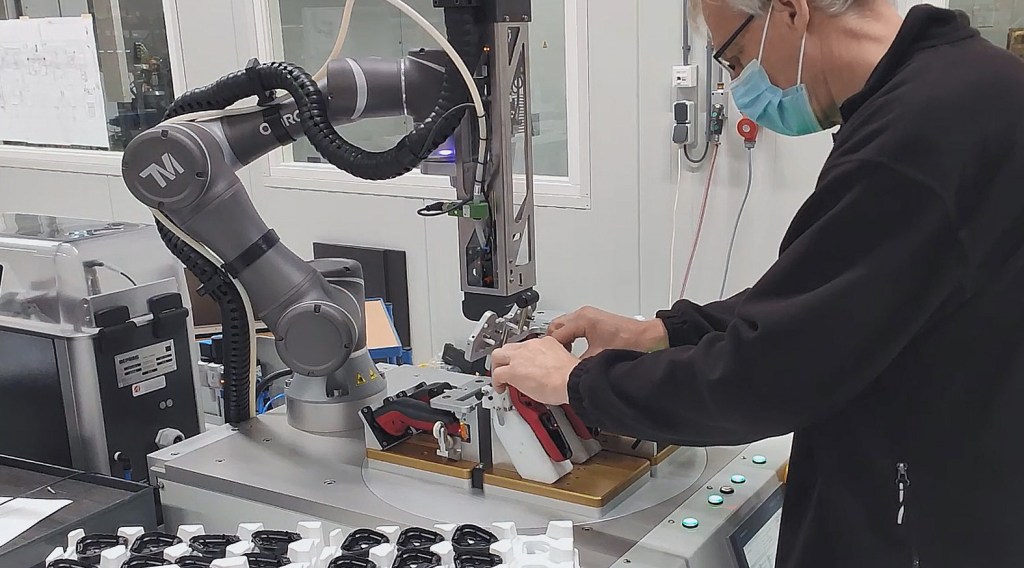
Save time and streamline your applications
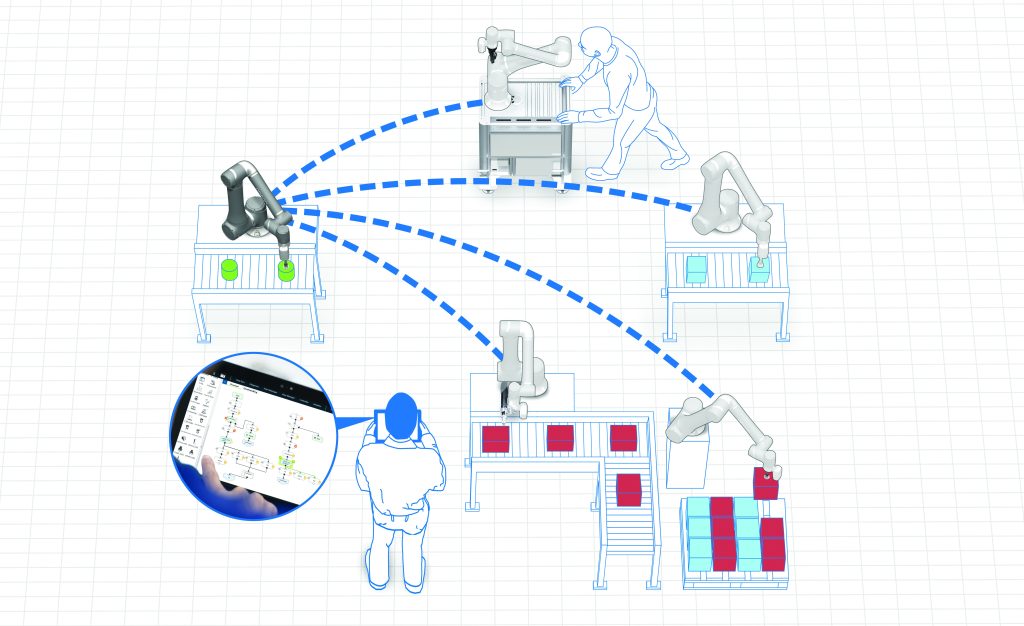
Build workflows faster
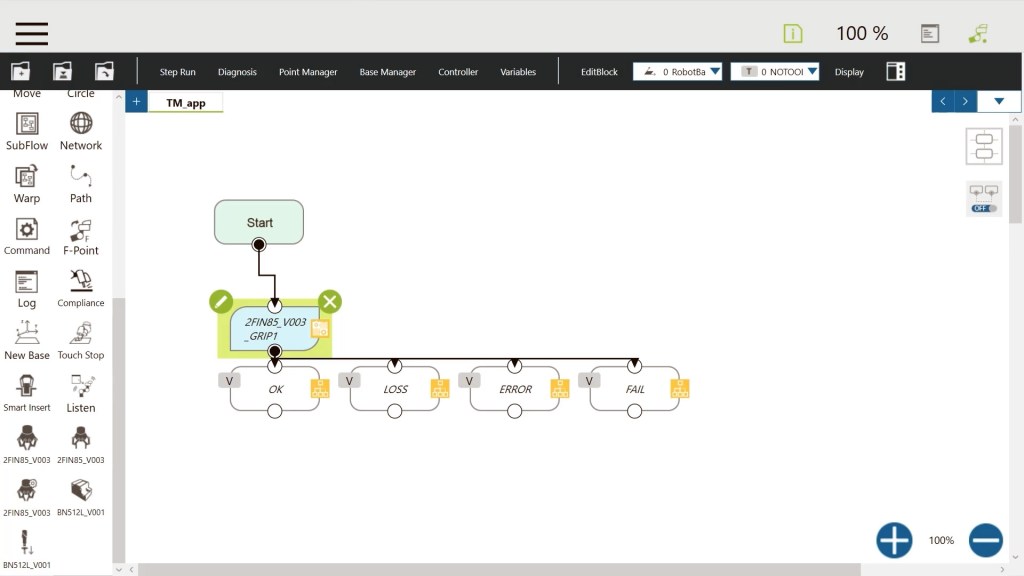
Flowchart-based, drag-and-drop programming turns complex tasks into clear visual steps, helping users reduce setup time and adjust applications as production needs change.
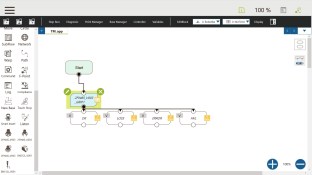
Validate before deployment
Offline simulation tools help users test motion, logic, communication, and workspace layout before deploying hardware.
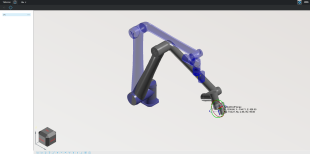
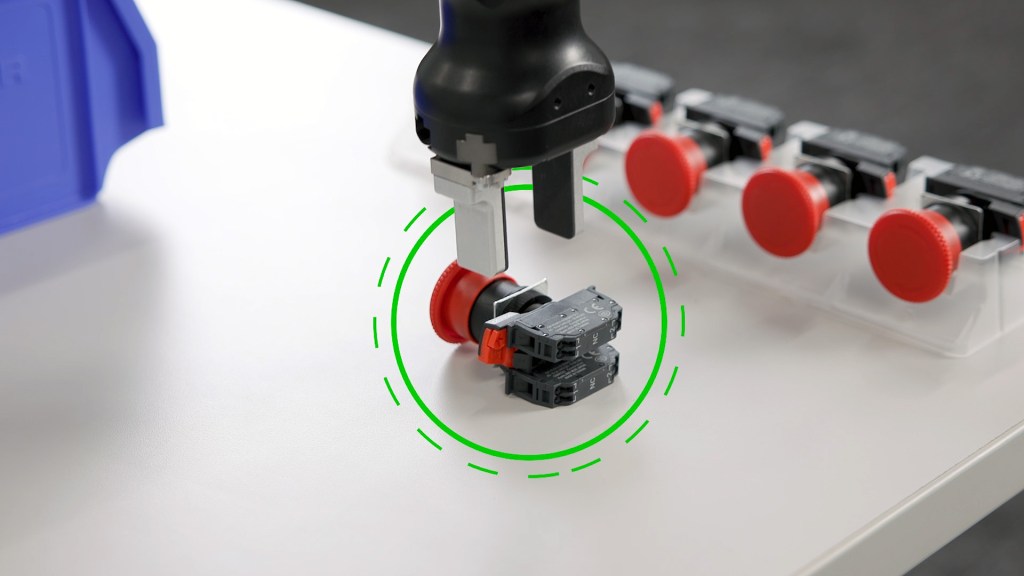
Improve vision-guided accuracy
Integrated vision supports pattern recognition, positioning, inspection, measurement, OCR, and conveyor-based inspection, including flying trigger applications for moving workpieces.
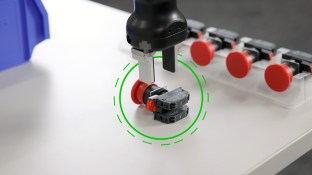
Keep production moving
Offline development helps teams build, test, and refine applications while minimizing interruptions to active production.
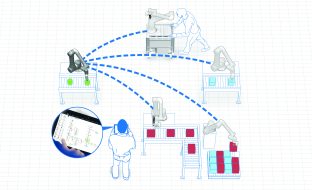
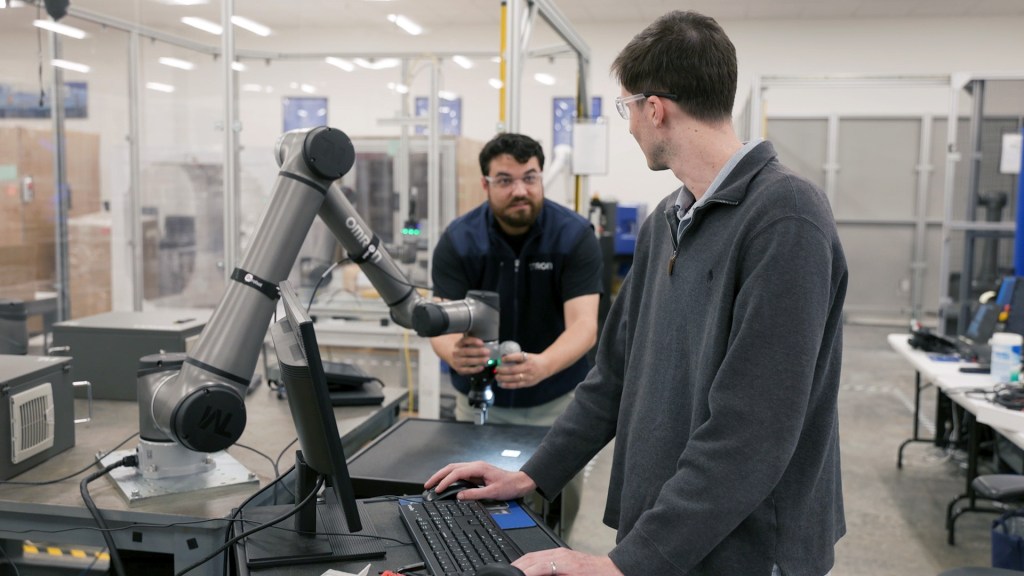
Simplify operator control
Hand guidance, virtual controls, and intuitive teaching tools make it easier to jog, position, and adjust robot applications.
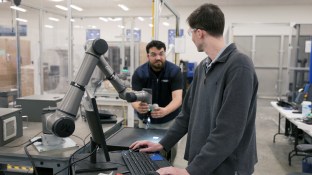
Support safer collaboration
Configurable safety functions help users integrate TMflow into collaborative robot workspaces and connect with external safety devices.
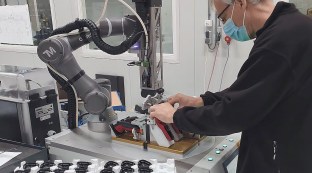
FEATURES
Powerful tools for smarter cobot applications

Drag-and-drop programming
Build robot applications visually with TMflow’s flow-based interface. Users can create, adjust, and reuse programs quickly, without advanced coding experience.


Integrated vision & OCR
Use built-in camera tools, vision functions, and optical character recognition to locate parts, inspect quality, and read labels, serial numbers, or codes without separate vision software.

Offline development and simulation
Develop, test, and refine programs in a virtual environment to reduce commissioning time and keep robots in production.

TMscene 3D application design
Import CAD models, create 3D objects, define teaching points, and simulate robot motion in a virtual workspace before deployment.

Advanced motion & singularity handling
Optimize robot motion with expanded singularity handling, path control, and accurate positioning across demanding automation tasks.

Safety integration tools
Normal Stop, STO, and SOS safety outputs help simplify integration with external safety devices and support current safety standards.

Advanced scripting and real-time control
Use TMscript, HPScript, and real-time remote-control capabilities to support advanced logic, sensor integration, and system-level communication.

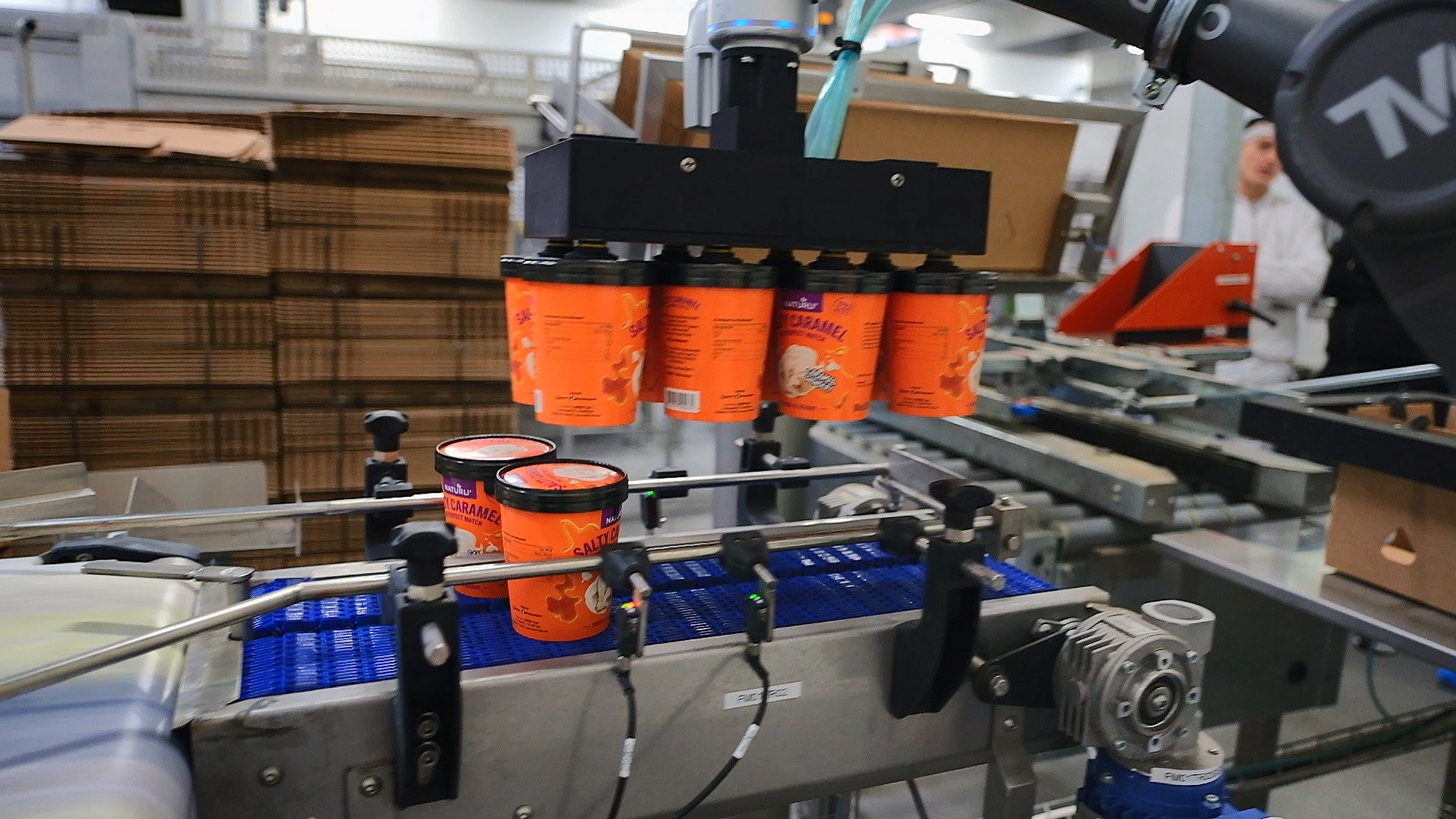
CASE STUDY
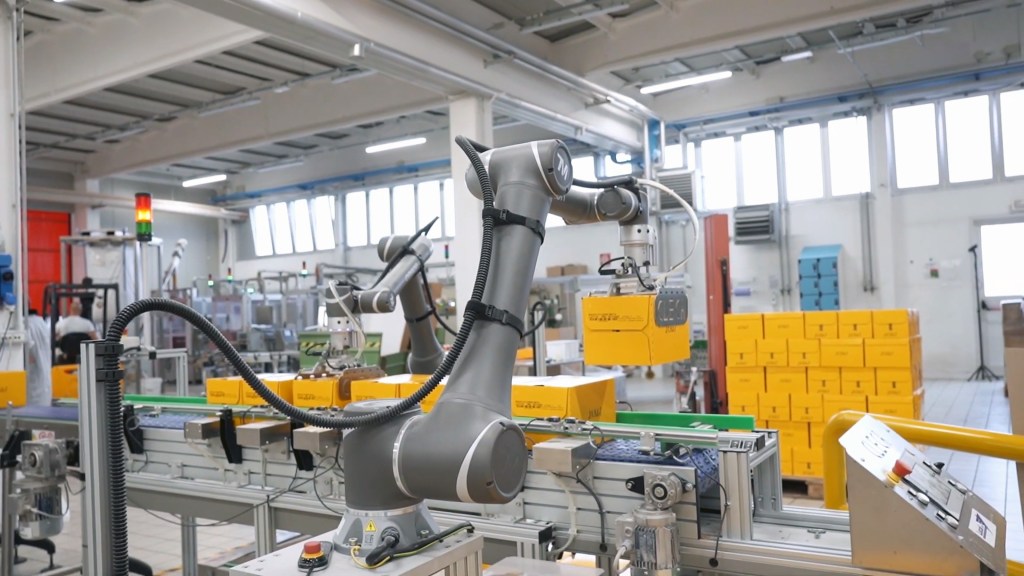
See how automated end-of-line packaging increased vegan ice cream output by 80% at Ice Bakers
Start optimizing your production today
Have questions? Let’s chat.

RELATED PRODUCTS
Certified collaboration that fits your flow
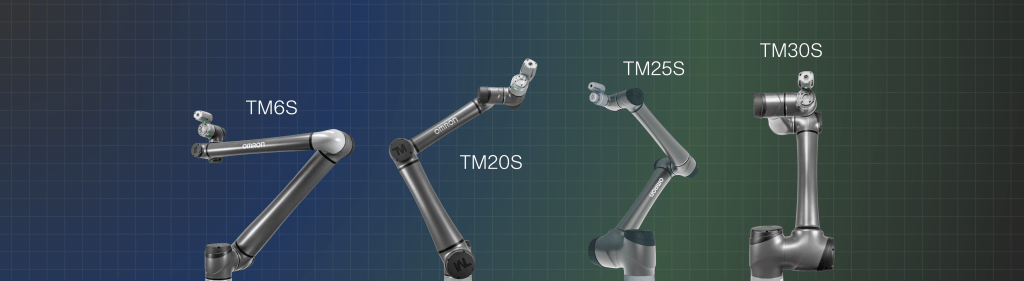
Unlock safe, high‑performance automation with the OMRON TM S Series—collaborative robots from 5 to 30 kg payloads, built to handle everything from precise handling to heavy‑duty applications on a single, scalable platform.
View brochure
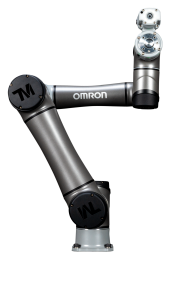

TM5S
Ideal for light assembly and small‑part handling where space is tight and precision matters.
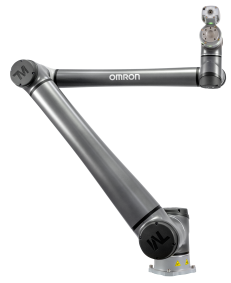
TM6S
Made for agile pick‑and‑place and quick changeovers on fast‑moving production lines.
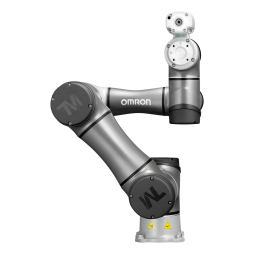
TM7S
Excels at vision‑driven tasks like packaging, inspection, and labeling with high accuracy.
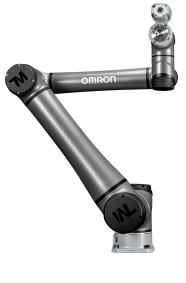
TM12S
Handles medium‑weight parts for handling, palletizing, and process work close to people.
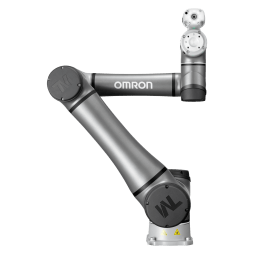
TM14S
Carries heavier tools and fixtures for machining support, tending, and finishing jobs.
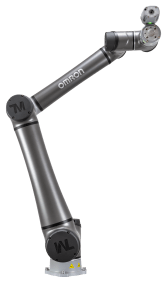
TM20S
Built for demanding handling, palletizing, and intralogistics with solid payload capacity.
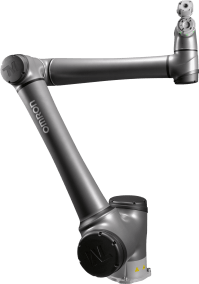
TM25S
Takes on large, bulky parts and end‑of‑line tasks where higher loads are the norm.
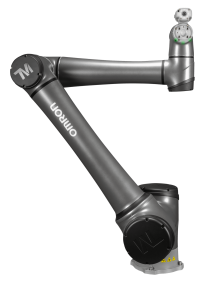
TM30S
Delivers maximum lifting power for the toughest palletizing and material‑handling duties.
RESOURCES
Robotics resources at your fingertips
Stay up to date with the latest software updates and support files to enhance your cobots and optimize system performance.
Get the latest updates
Related insights
See all insights
On-Demand: Expand Automation Possibilities with New TM S Series Models and TMflow 2.22
OMRON Announces Significant Expansion and Upgrade to Collaborative Robot Lineup and Software
Data-Driven Automated Packaging Helps Cleca Increase Broth Line Output by 8%